Comprehensive Configuration Hub for Customizing and Managing the Recruitment Platform

The Admin Settings module represents the strategic command center for organizational platform customization, serving as the comprehensive configuration headquarters where administrators wield complete control over every technical, visual, operational, and branding aspect of the recruitment ecosystem to ensure seamless alignment with corporate identity, operational workflows, and strategic hiring objectives. This sophisticated settings infrastructure transcends traditional administrative panels by providing an integrated suite of powerful configuration tools that span from fundamental technical integrations and API management to advanced visual customization, multi-language localization, communication template standardization, and granular security controls — all designed to transform the generic recruitment platform into a fully customized, brand-aligned digital hiring environment that reflects organizational values while optimizing user experience and operational efficiency.

Through its extensive range of configuration categories including Google services integration, CSS styling controls, template management systems, email delivery optimization, display customization tools, and comprehensive security settings, this module empowers administrators to orchestrate every element of the platform’s behavior and appearance, ensuring that whether candidates are applying for positions, team members are managing recruitment workflows, or executives are reviewing hiring analytics, every interaction occurs within a cohesive, professionally branded environment that maintains technical excellence, security standards, and operational consistency. More than just a collection of settings panels, this configuration hub serves as the architectural foundation that enables organizations to scale their recruitment operations while maintaining complete control over data security, user experience, communication standards, and platform performance across all devices, languages, and user types throughout the entire talent acquisition lifecycle.
APIs Configuration

Manage API integrations and external service connections

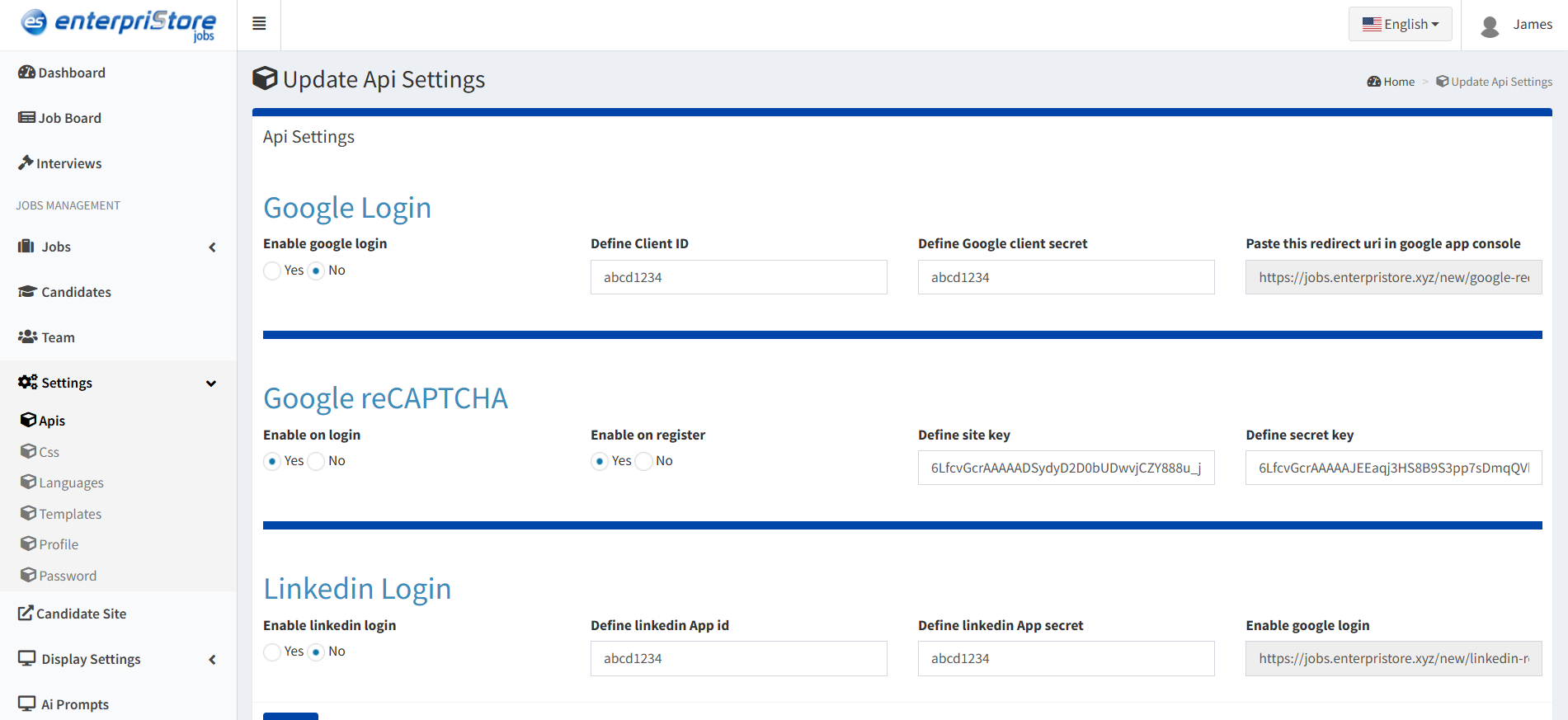
Google Services Integration

Google Login
Enable/disable Google authentication for candidates and team members

  • Streamlined login experience
  • Reduced password management
  • Enhanced user convenience

Google reCAPTCHA
Protect login pages from automated attacks and bots

  • Spam prevention
  • Security enhancement
  • Automated threat detection

Integration Benefits:

  • Enhanced security and user experience
  • Reduced support tickets for login issues
  • Professional authentication standards
  • Scalable security implementation
api

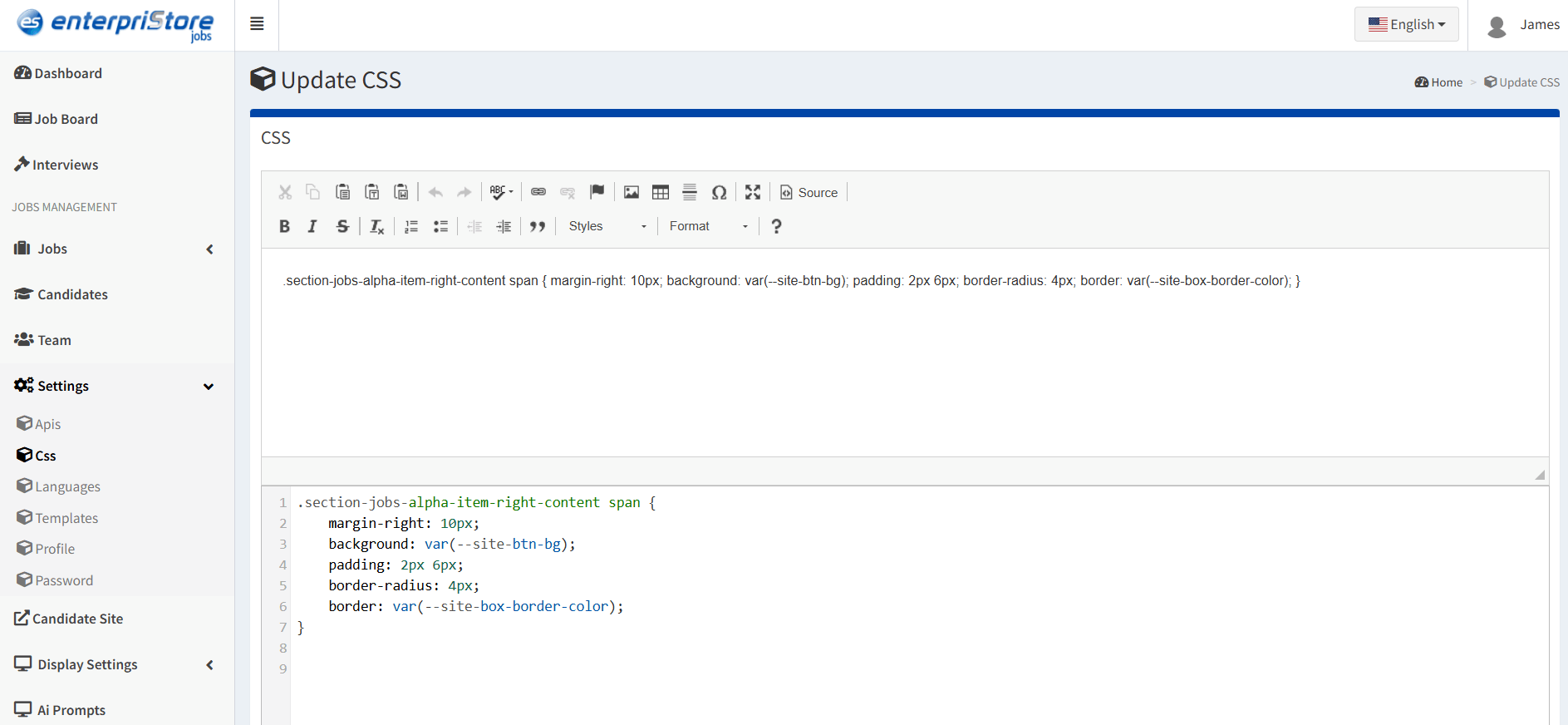
CSS Customization

Advanced styling control for brand consistency and visual customization

Visual Customization Tools

  • Code Editor: Built-in CSS editor for direct style modifications
  • Design Variables: System variables for consistent color and styling themes
  • Responsive Design: Mobile-first styling with device-specific adjustments

Customization Capabilities:

  • Brand colors and typography implementation
  • Layout adjustments and spacing control
  • Custom button and form styling
  • Advanced visual effects and animations
css

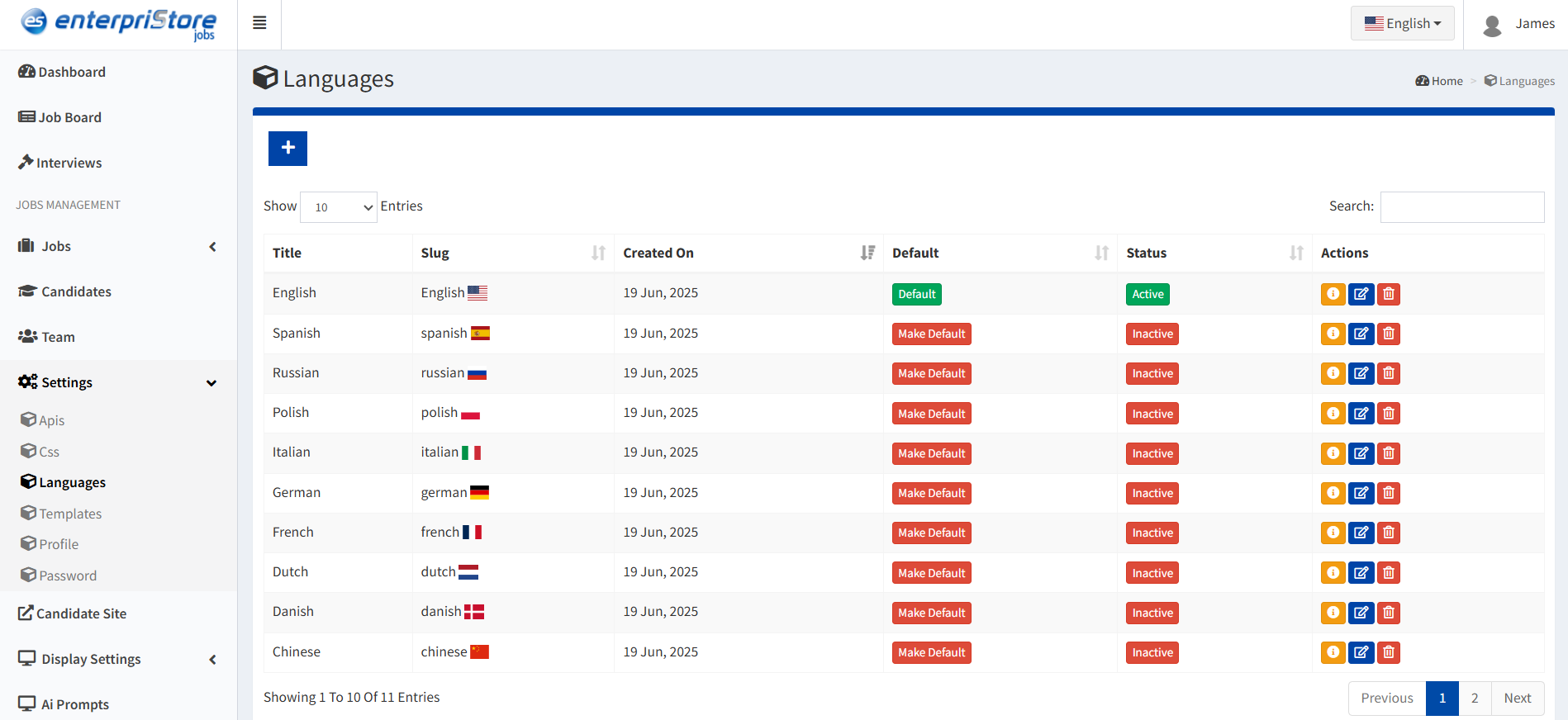
Languages Management

Multi-language support configuration for global accessibility

Language Configuration

  • Language Addition: Add new languages with title and slug configuration
  • Default Language: Set primary language for platform default display
  • Status Control: Activate or deactivate languages as needed

Internationalization Benefits:

  • Global candidate accessibility
  • Regional compliance support
  • Enhanced user experience
  • Market expansion capabilities
language

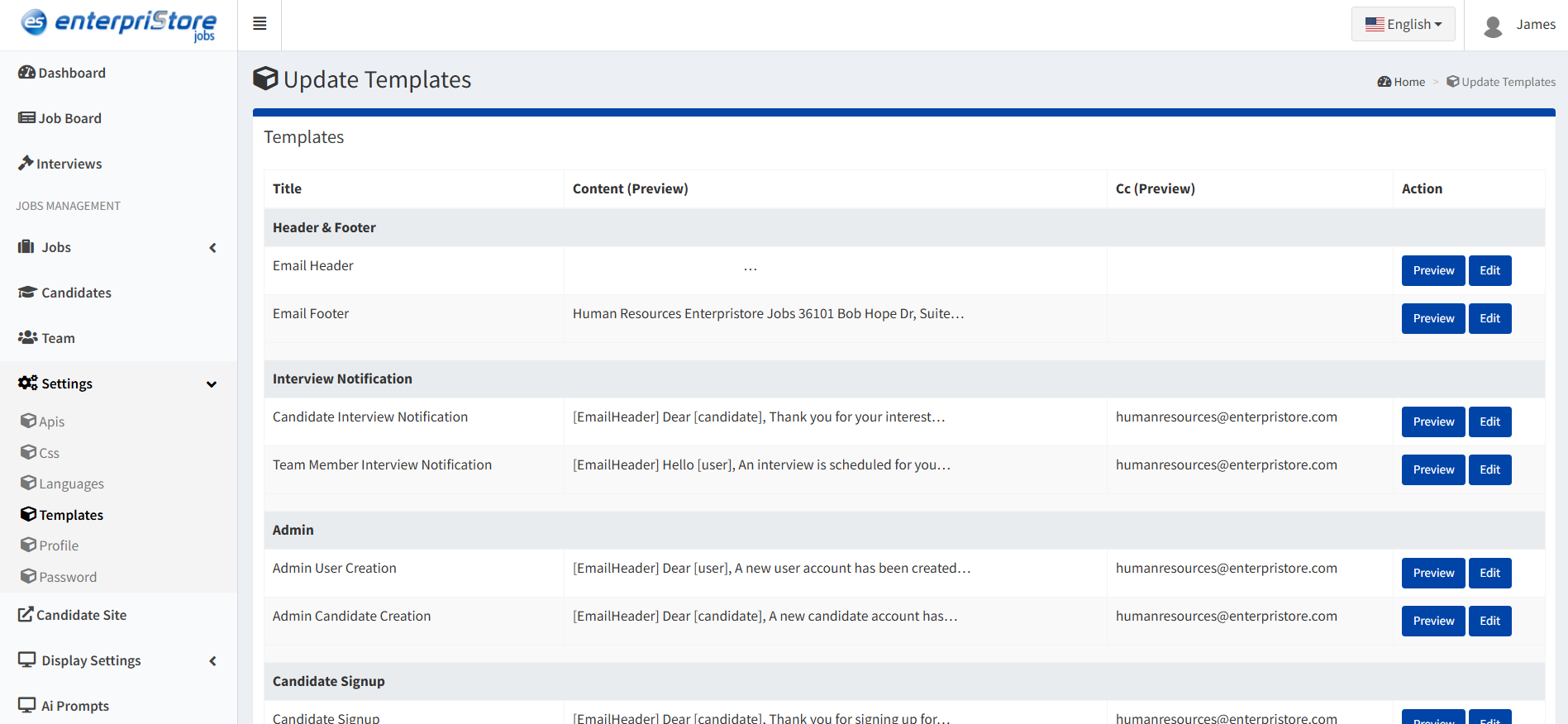
Templates Management

Email and communication template configuration

Template Types

  • Email Templates: Automated candidate communications
  • Notification Templates: System alerts and updates
  • Document Templates: Standardized forms and reports
  • Interview Templates: Structured interview formats

Template Benefits:

  • Consistent professional communication
  • Brand alignment in all correspondence
  • Time-saving automated responses
  • Standardized documentation processes
templates

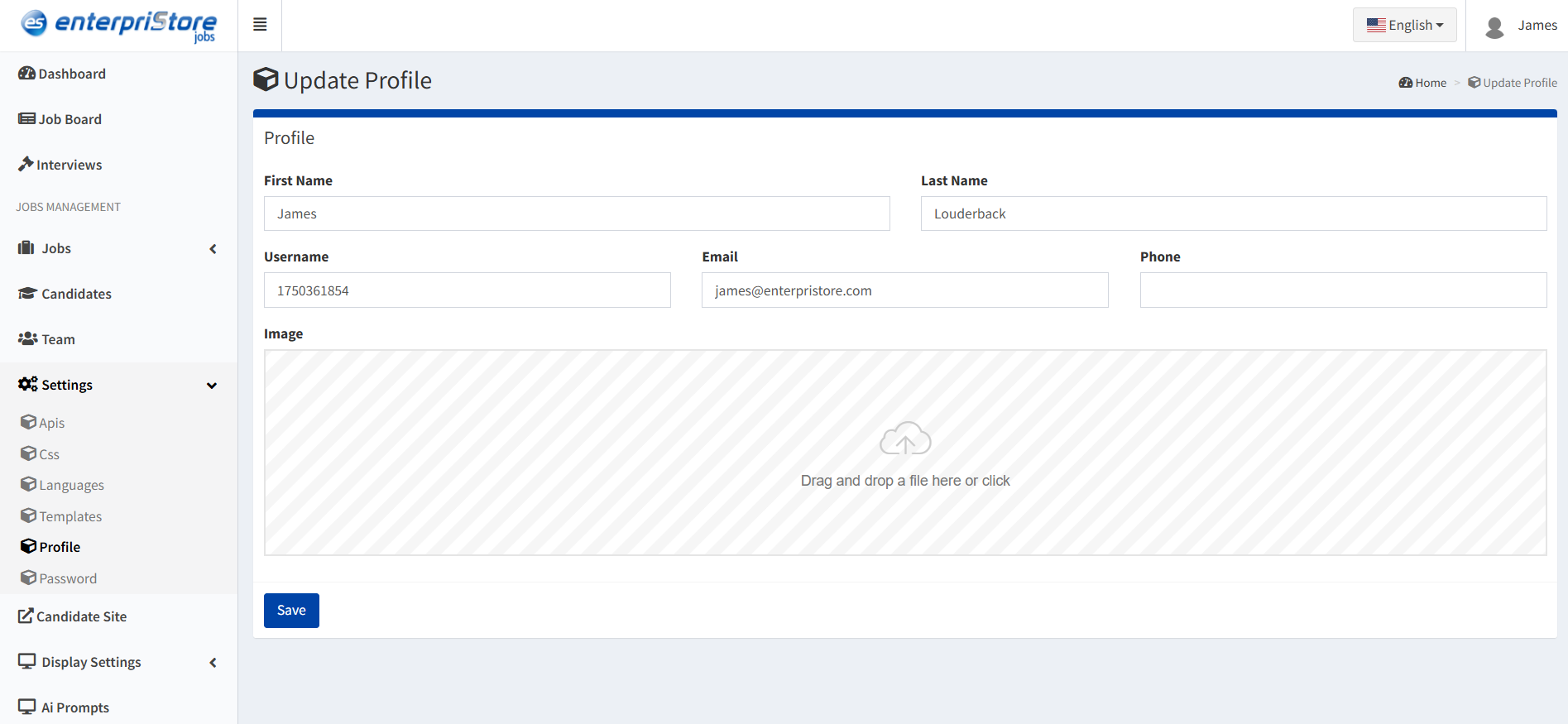
Profile Management

Personal administrator account information management

Editable Profile Information

  • Personal Details: Name, contact information
  • Username: System identification credential
  • Email: Primary communication address
  • Phone: Direct contact number
  • Profile Image: Professional identification photo

Profile Maintenance Benefits:

  • Accurate system identification
  • Professional team representation
  • Reliable contact information
  • Enhanced accountability and tracking
profile

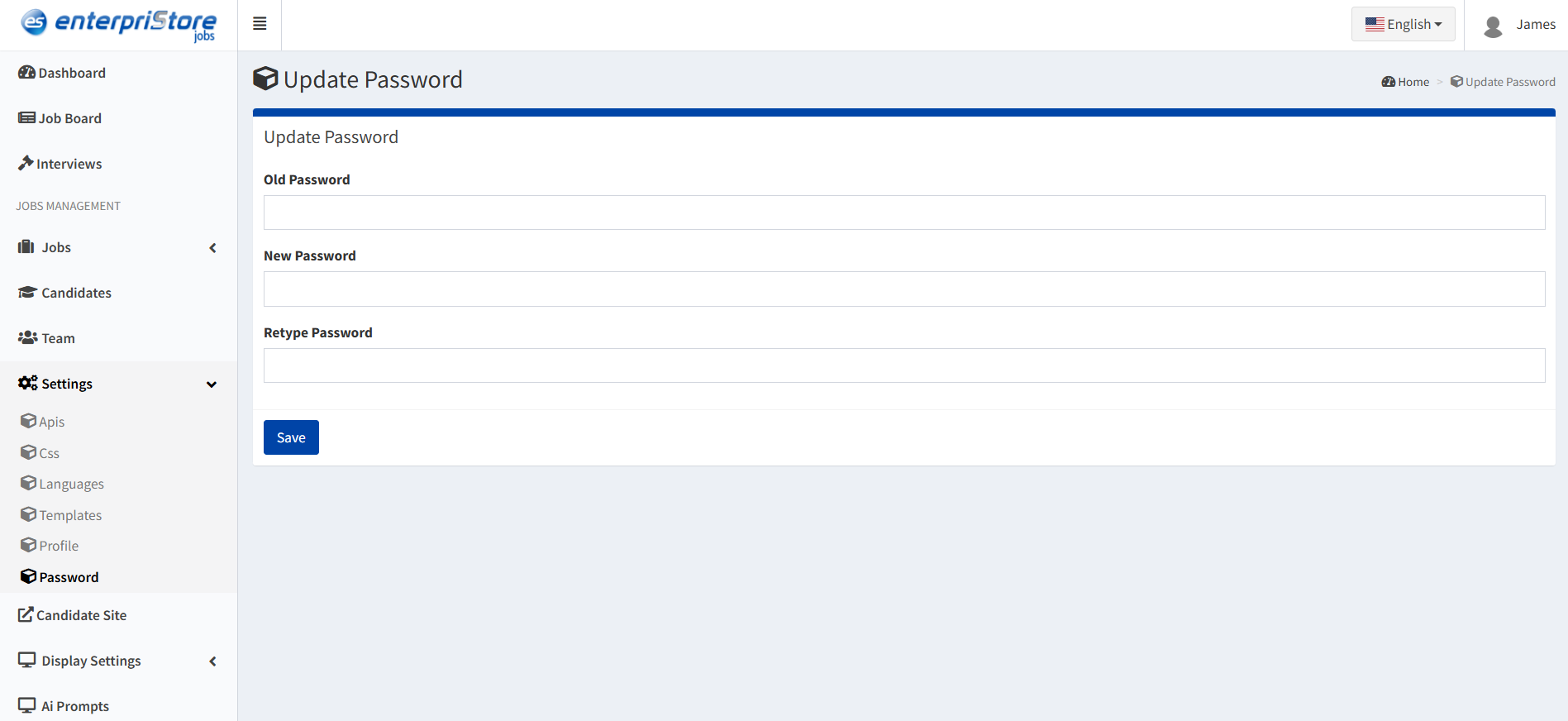
Password Security

Secure password management and account protection

Password Change Process

  1. Current Password Verification: Enter existing password for security confirmation
  2. New Password Creation: Set strong, secure new password
  3. Password Confirmation: Re-type new password to prevent errors

Security Features:

  • Multi-step verification process
  • Strong password enforcement
  • Secure authentication protocols
  • Account protection measures
password

Update History

System change tracking and configuration audit trail

Tracking Capabilities

  • Configuration Changes: System setting modifications
  • User Actions: Administrative activity logging
  • System Updates: Software version changes
  • Data Modifications: Critical data change records

Audit Trail Benefits:

  • Accountability and compliance tracking
  • Troubleshooting and error resolution
  • Security monitoring and analysis
  • Change management documentation

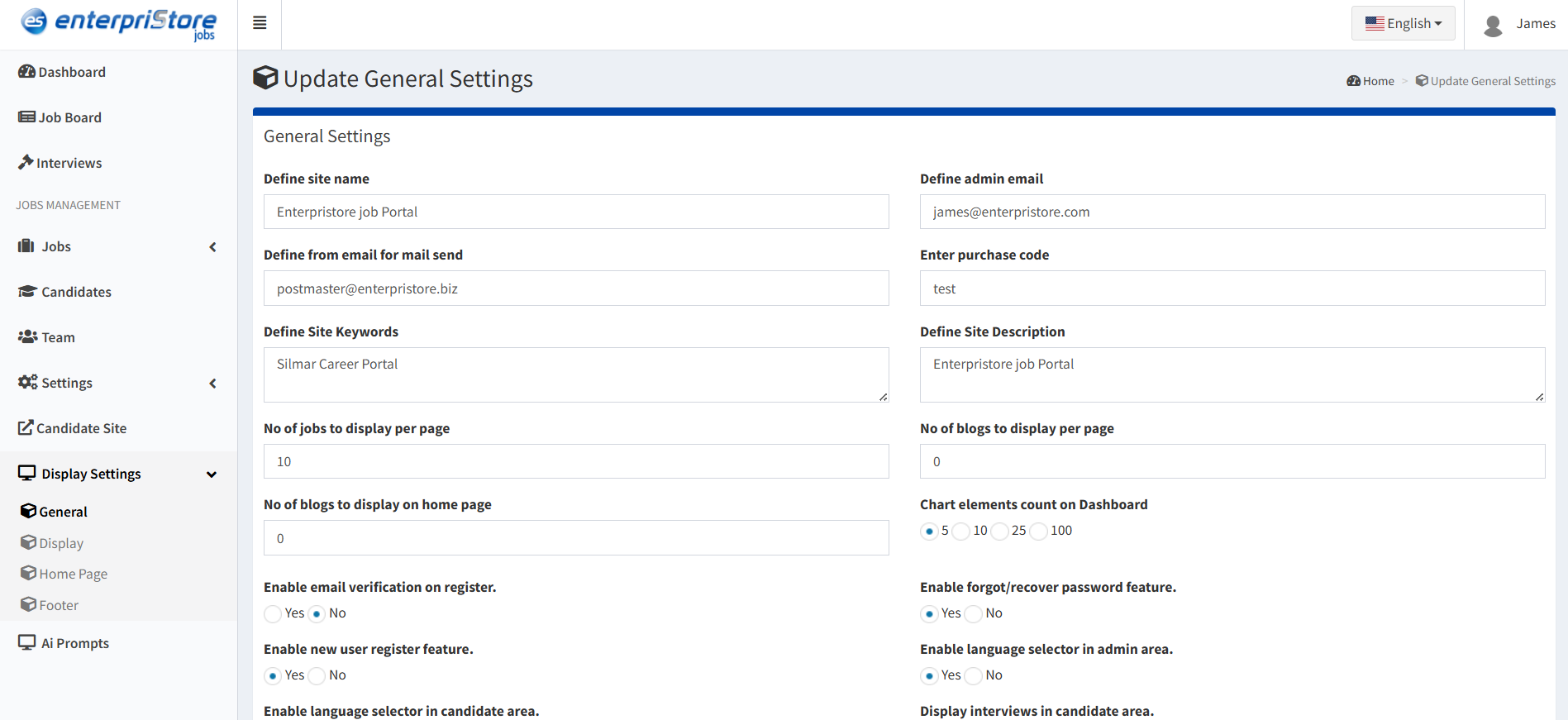
General Settings Configuration

Foundation settings for system behavior, security, and operational parameters:

Criteria Configuration

  • Criteria Name: Unique identifier for system criteria
  • Keywords: Search and categorization terms
  • Digital Group Page: Associated group page specification
  • Criteria Email: Communication address for notifications
  • Description: Purpose and usage explanation
  • Digital Group: Organizational group assignment

Security & Access Features

Registration Security:
Enable password requirements for user registration

Image Protection:
Prevent unauthorized downloading of platform images

  • Mobile device protection
  • Tablet security
  • Desktop and laptop protection
  • Workstation security
  • Touch-enabled device protection

Communication Settings

  • Direct Email Settings: Enable direct communication channels
  • Media Download Permissions: Team member access controls
  • Email Guide Integration: Automated instruction delivery

System Limits & Controls

  • Properties Criteria Limit: Maximum criteria per property
  • Upload Limits: File size and quantity restrictions
  • Performance Controls: System optimization settings
  • Storage Management: Data retention policies
general-settings

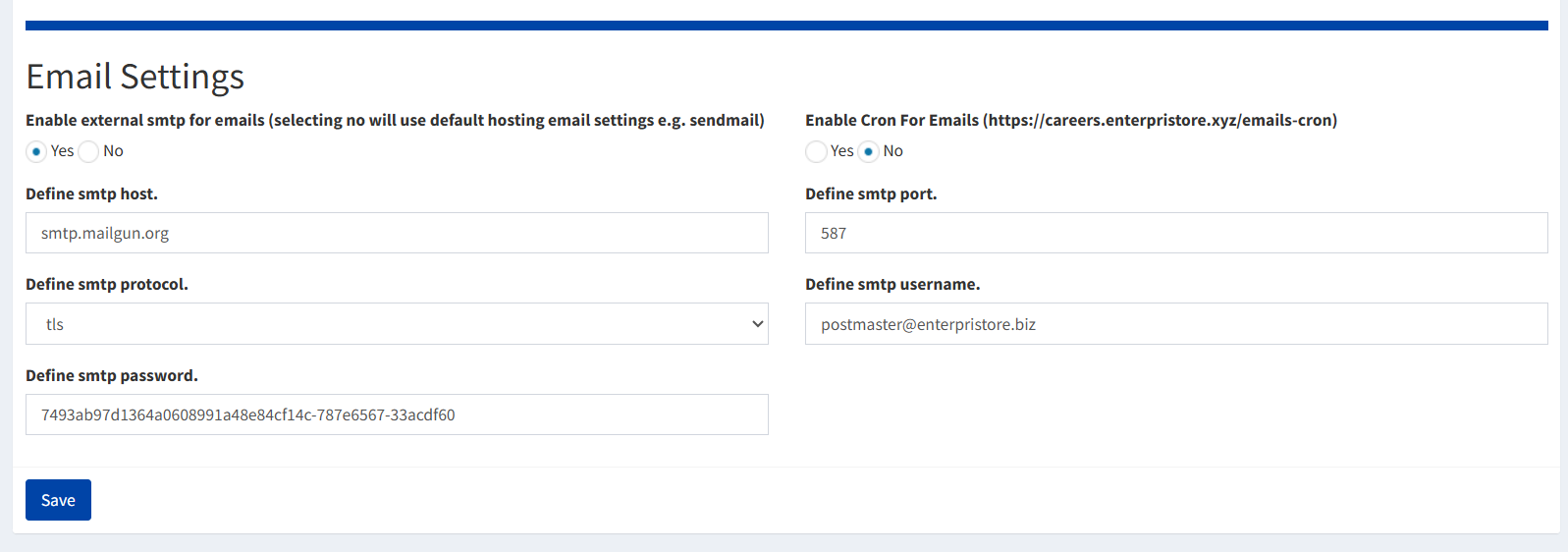
Email Configuration

SMTP Configuration

  • SMTP Host: Email server address (e.g., smtp.mailgun.org)
  • Protocol: Security protocol (TLS or SSL)
  • Port: Server connection port (e.g., 587 for TLS)
  • Username: Authentication username or email
  • Password: Authentication password or API key

Cron Job Configuration

  • Batch Email Processing: Handle large email volumes efficiently
  • Scheduled Delivery: Automatic email sending
  • Performance Optimization: Prevent server overload
  • Reliable Delivery: Ensure email completion

Email System Benefits

  • Professional email delivery standards
  • Enhanced security with encryption
  • Scalable high-volume handling
  • Integration with major email providers
  • Automated delivery management
email-settings

Settings Management Summary

The Settings module provides comprehensive control over platform behavior and appearance:

  • Integration Control API management and external service connections
  • Visual Customization CSS styling and brand consistency tools
  • Global Accessibility Multi-language support and localization
  • Communication Tools Email templates and delivery configuration
  • Security Management User authentication and data protection
  • System Monitoring Change tracking and audit trail maintenance

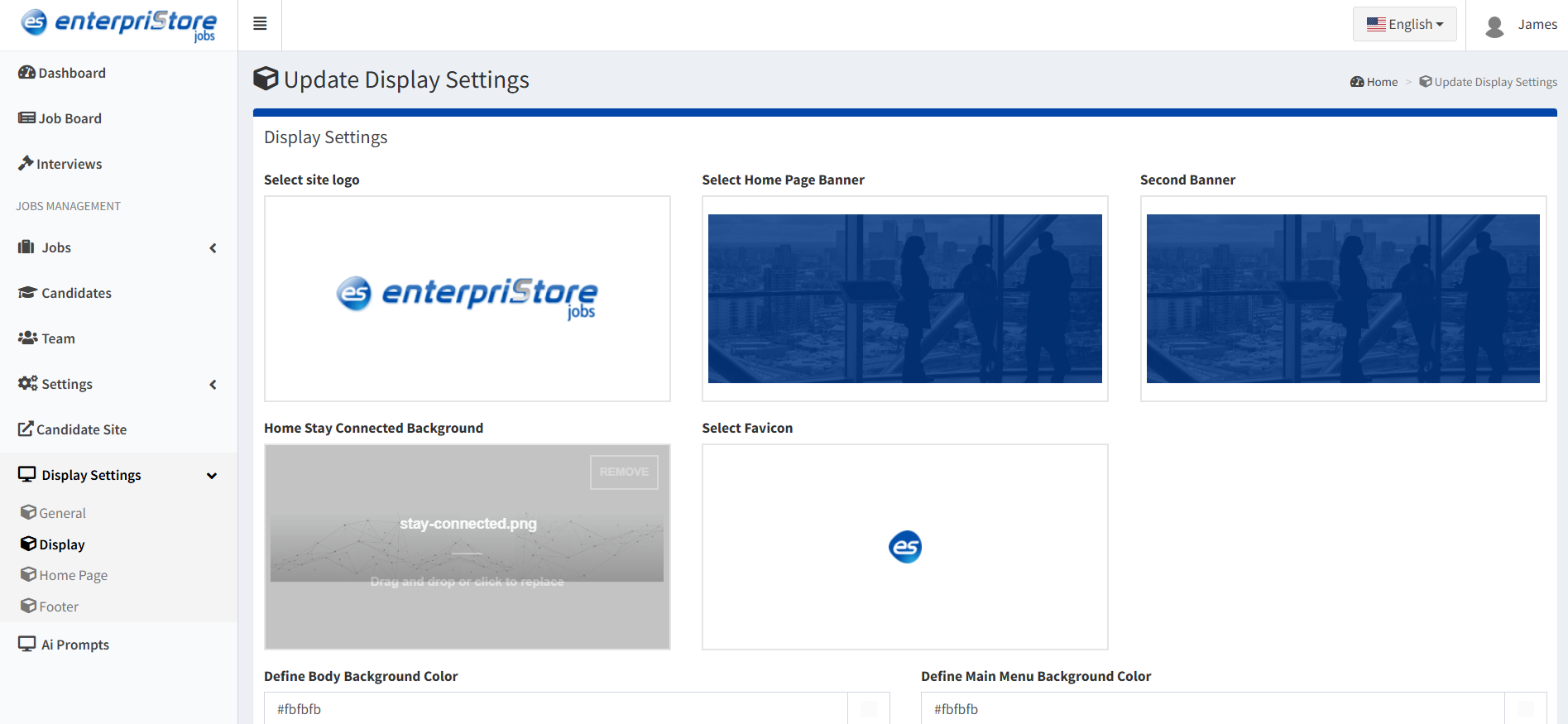
Display Settings

Visual customization and branding control for the recruitment platform

The Display Settings section allows administrators to control how the platform’s interface and content are visually presented to users. These comprehensive customization options ensure that the recruitment portal perfectly reflects your organization’s brand identity and provides an optimal user experience across all pages and sections.

Home Page Banner Configuration

Complete control over the primary visual element that greets visitors:

Banner Design:

  • Banner Selection: Choose from available banner designs and layouts
  • Background Color: Set custom background color for banner consistency
  • Banner Image: Upload custom hero images for visual impact
  • Icon Integration: Add branded icons for enhanced visual appeal

Dimensions & Layout

  • Banner Height: Adjust vertical space for optimal visual balance
  • Responsive Design: Automatic scaling across different device sizes
  • Content Positioning: Control text and element placement within banner

Text Customization:

  • Banner Text: Primary headline message for visitor engagement
  • Text Color: Font color selection for readability and branding
  • Text Background: Background color behind text for enhanced visibility
  • Typography Control: Font family, size, and weight customization

Banner Customization Benefits:

  • Strong first impression with branded visuals
  • Consistent brand representation across the platform
  • Optimized visual hierarchy for user engagement
  • Professional appearance that builds trust
display-settings

``How to Connect`` Section Styling

Specialized design controls for the user guidance and process explanation area:

Background Styling

  • Background Selection: Choose from predefined background styles
  • Background Color: Custom color selection for section consistency
  • Background Image: Upload custom graphics for visual enhancement
  • Pattern Integration: Apply subtle patterns or textures

Layout Configuration

  • Banner Height: Adjust section vertical spacing
  • Content Width: Control section content boundaries
  • Element Spacing: Fine-tune internal element positioning
  • Responsive Behavior: Mobile and tablet optimization

Visual Elements

  • Banner Background Color: Section-specific color theming
  • Custom Banner Image: Visual storytelling elements
  • Icon Integration: Process step icons and branding
  • Visual Hierarchy: Emphasis and flow control

Section Design Purpose:

  • Guide users through platform navigation
  • Explain key processes and features
  • Build confidence in platform usage
  • Enhance user onboarding experience
color-branding

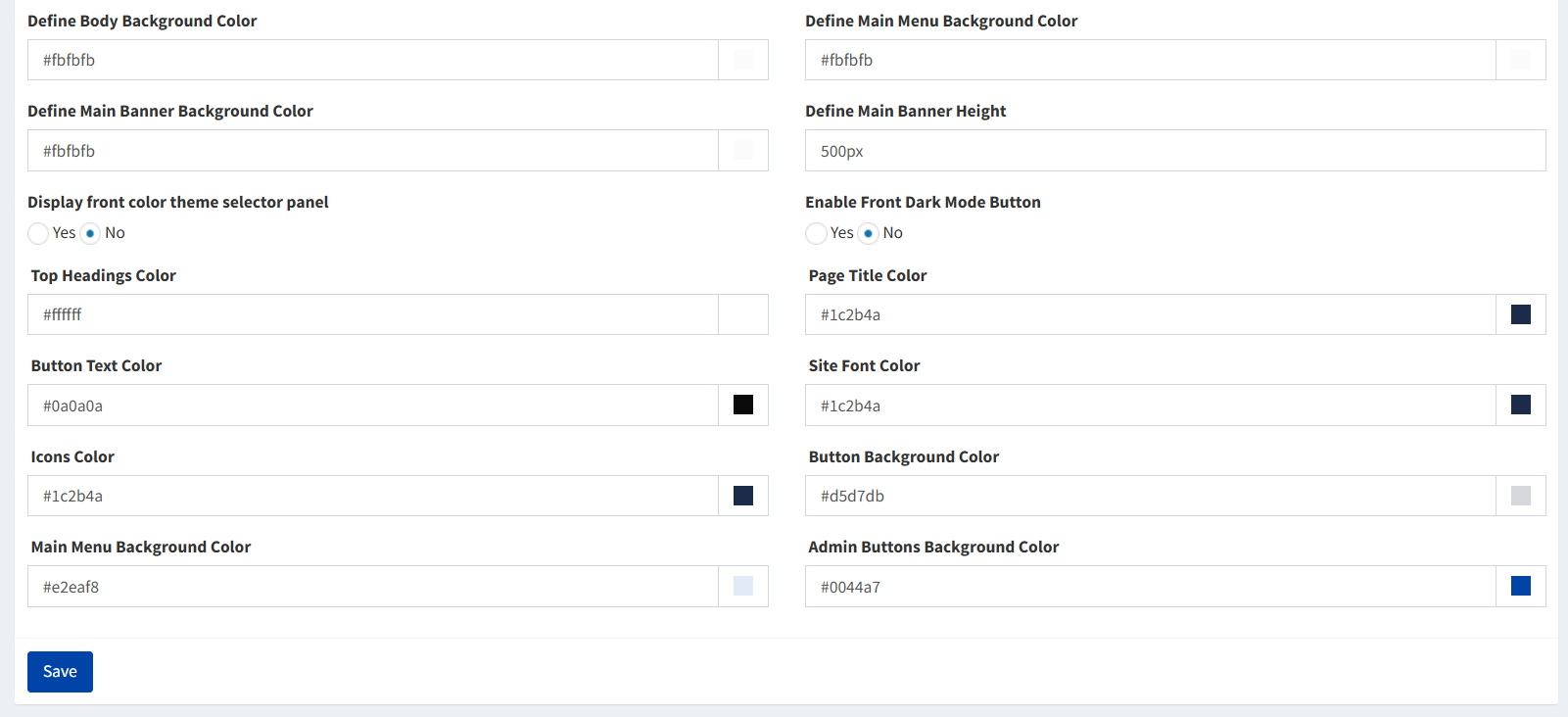
Page Title Configuration

Standardized page header styling for consistent navigation and branding:

Title Styling

Page Title Color: Define font color for all page titles across the platform

  • Brand consistency maintenance
  • Readability optimization
  • Visual hierarchy establishment

Page Title Text
Customize default title text and formatting

  • Standardized messaging
  • Professional presentation
  • Clear page identification

Responsive Design

  • Mobile Optimization: Title scaling for small screens
  • Tablet Adaptation: Medium screen formatting
  • Desktop Presentation: Full-screen title display
  • Dynamic Sizing: Automatic font size adjustment

General Display Configuration

Platform-wide visual settings that affect overall user experience:

Overall Preferences

  • Default Layout Options: Standard page structure templates
  • Global Color Scheme: Platform-wide color coordination
  • Typography Standards: Font families and sizing rules
  • Spacing Guidelines: Consistent margin and padding

Visual Elements

  • Theme Selection: Pre-designed visual themes
  • Color Customization: Brand-specific color implementation
  • Font Style Control: Typography consistency management
  • Visual Effects: Subtle animations and transitions

Display Adaptation

  • Responsive Behavior: Multi-device compatibility
  • Screen Resolution: High-DPI display optimization
  • Accessibility Features: Universal design principles
  • Loading Optimization: Performance-focused display

Homepage Content Management

Comprehensive control over homepage sections and messaging:

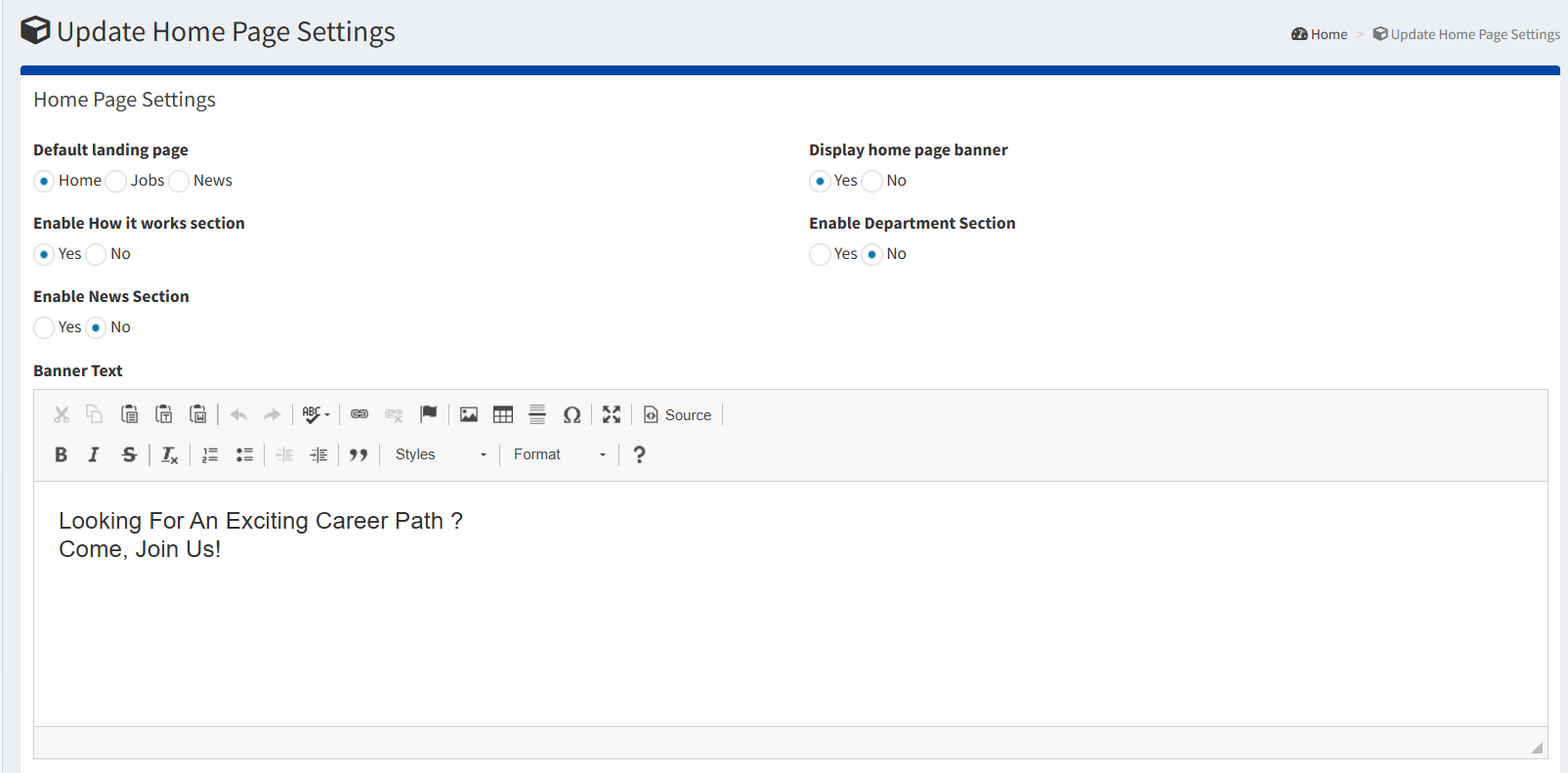
Banner Text

Primary homepage message that welcomes and engages visitors

Example: “Looking for an exciting career path? Come, Join Us!”

  • First impression messaging
  • Call-to-action integration
  • Brand voice representation

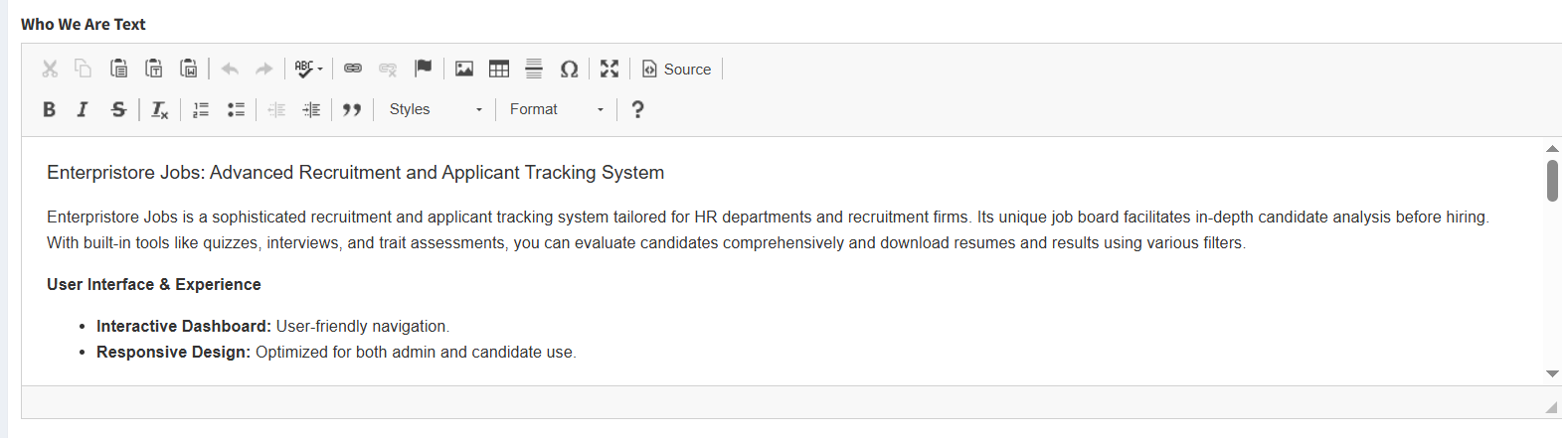
“Who We Are” Section

Company introduction and organizational identity

  • Company background and history
  • Mission and values presentation
  • Credibility and trust building
  • Professional achievements highlight

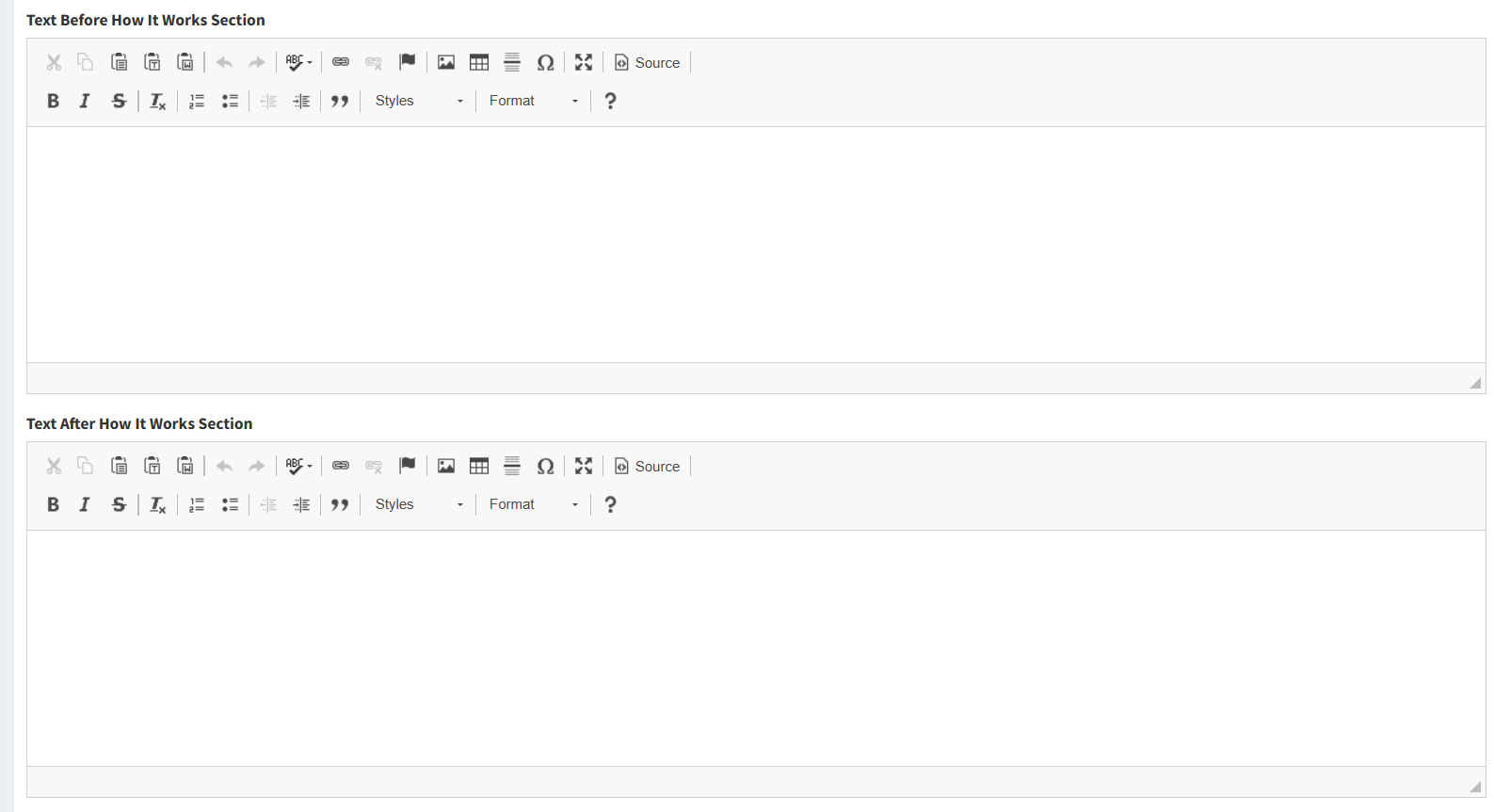
“How It Works” Content

Process explanation and user guidance sections

Text Before Section

Introductory content that prepares users for process explanation

Text After Section

Closing content with call-to-action or additional support

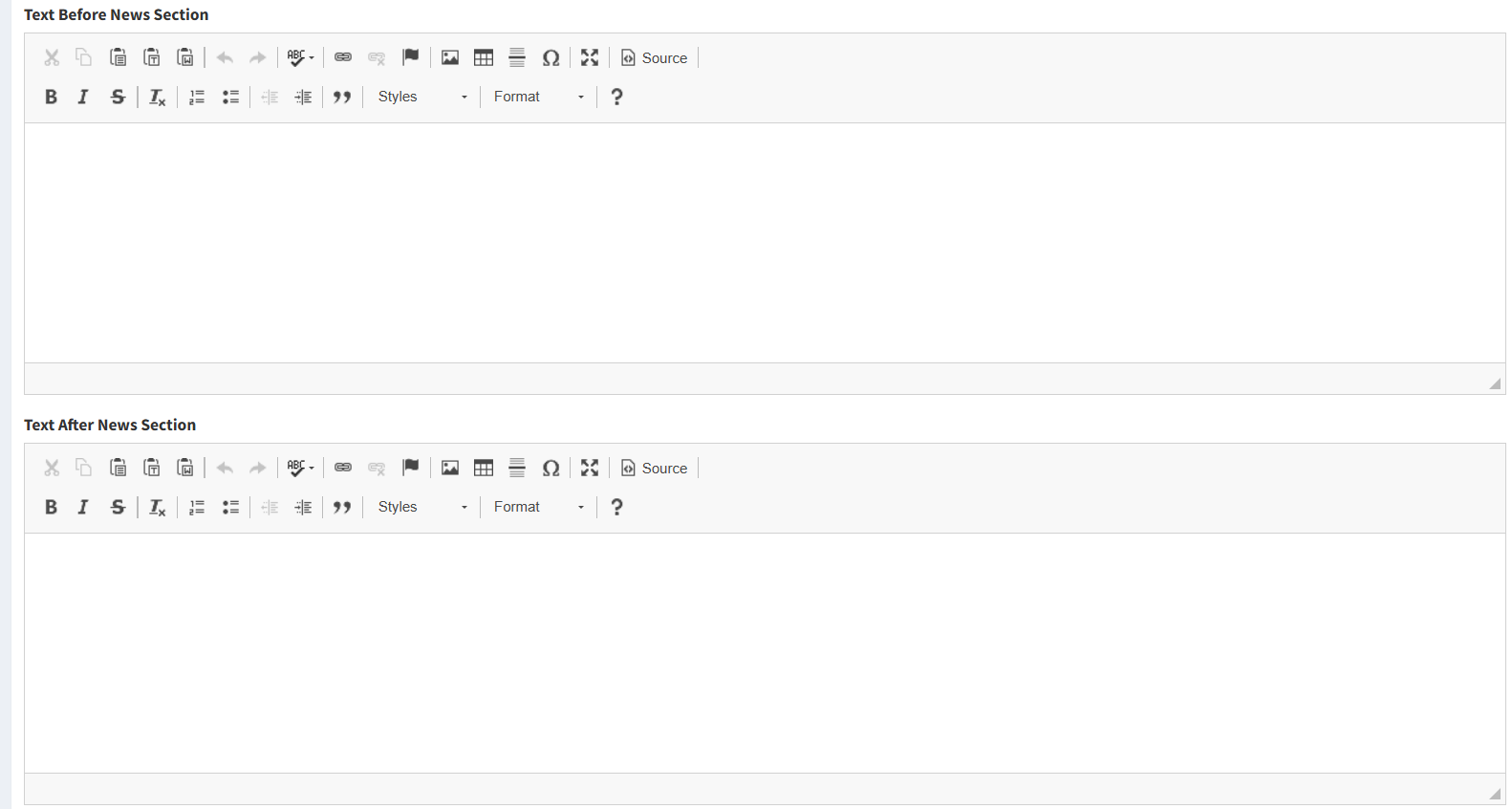
News Section Content

Company news and updates presentation

Text Before News

Introduction to company updates and announcements

Text After News

Encouragement for continued engagement and connection

Footer Management

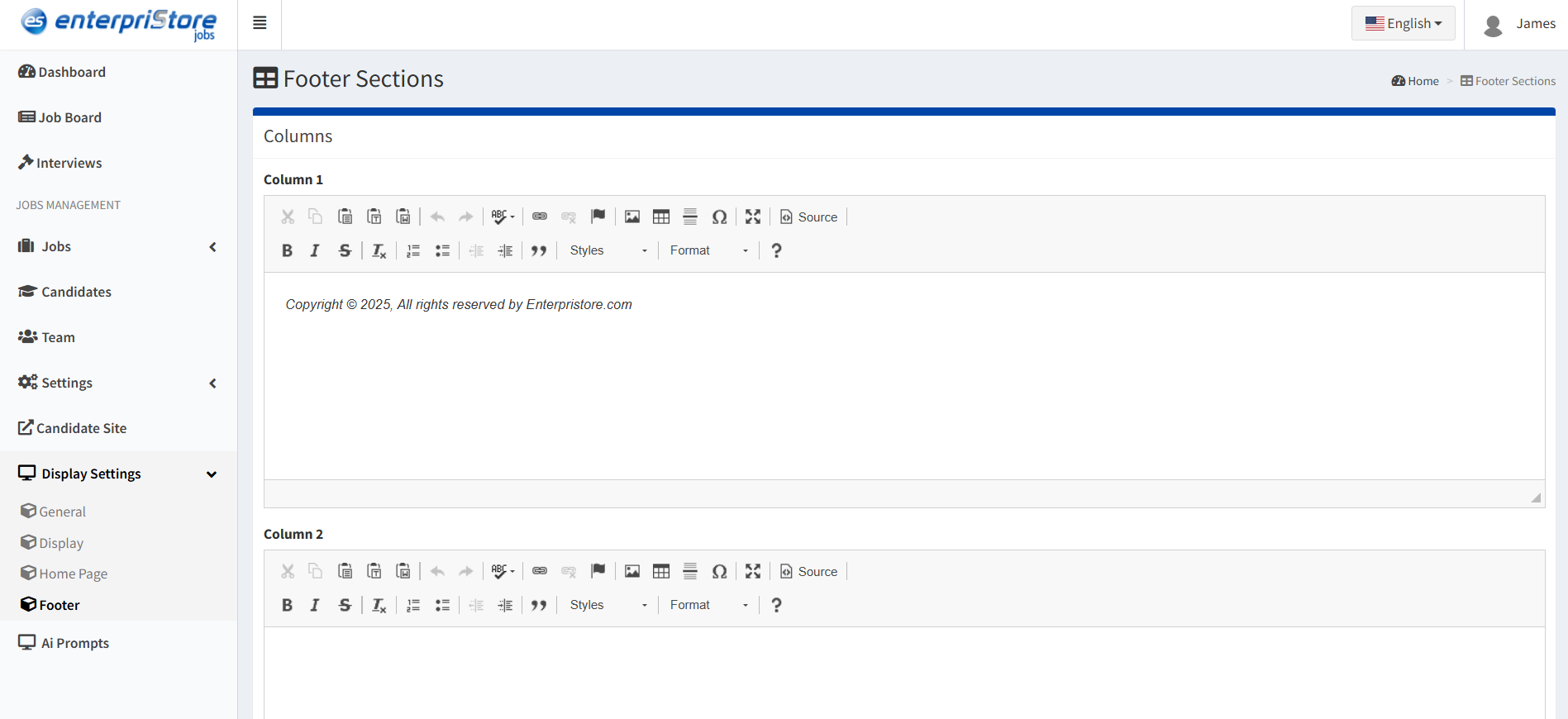
Comprehensive footer customization for professional site completion:

Content Management

  • Multiple Columns: Organized information sections
  • Rich Text Editing: Formatted content with links
  • Legal Information: Copyright and compliance details
  • Contact Details: Company contact information

Link Management

  • Navigation Links: Important page connections
  • Social Media: Social platform integration
  • External Links: Partner and resource connections
  • Legal Pages: Privacy policy and terms links

Visual Customization

  • Background Styling: Footer background colors and images
  • Text Formatting: Font styles and colors
  • Layout Control: Column arrangement and spacing
  • Brand Integration: Logo and brand element placement

Footer Customization Benefits:

  • Professional site completion and credibility
  • Important information accessibility
  • SEO enhancement with structured links
  • Brand consistency throughout the site
banner-text
who-we-are
text-how-its-works
text-before-new
footer

Resume Configuration

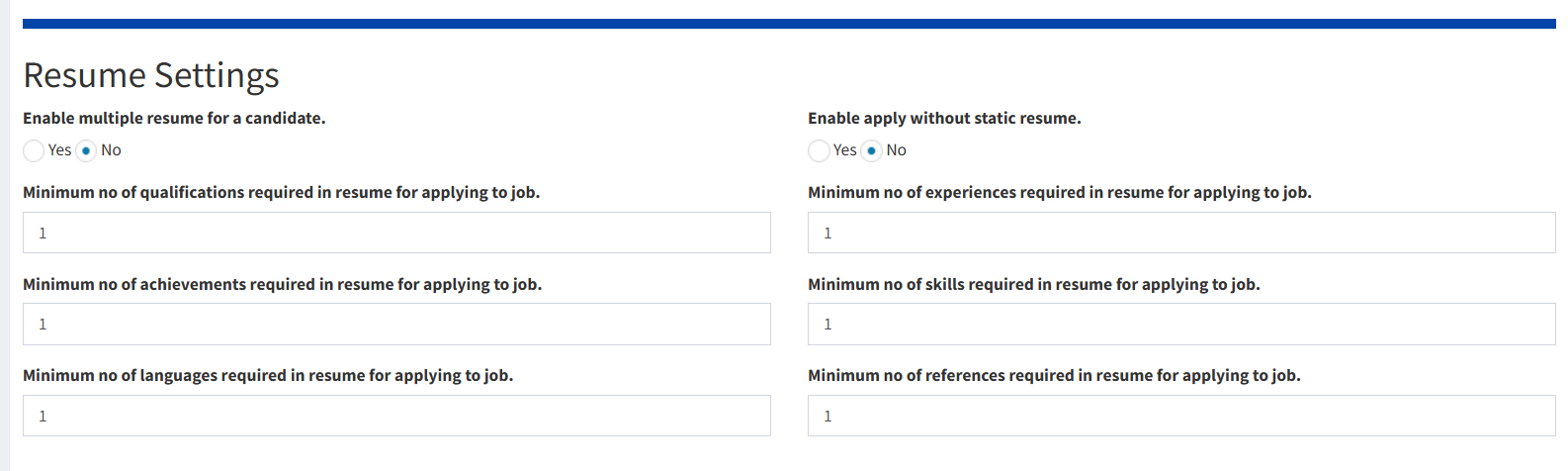
Advanced settings for candidate resume creation and submission:

Resume Options

Multiple Resumes
Allow candidates to create and maintain multiple resume versions

  • Role-specific resume customization
  • Industry-targeted presentations
  • Skill-focused variations

Apply Without Static Resume
Enable applications using dynamic profile data

  • Simplified application process
  • Real-time profile utilization
  • Reduced barriers to application

Minimum Requirements
Enforce resume completeness standards for quality applications

  • Qualifications: Minimum educational background entries
  • Achievements: Required accomplishment highlights
  • Languages: Language proficiency requirements
  • Experience: Work history minimum entries
  • Skills: Required skill set listings
  • References: Professional reference requirements

Resume Settings Benefits:

  • Standardized resume quality across applications
  • Comprehensive candidate information collection
  • Improved recruiter decision-making data
  • Professional application presentation standards

Display Settings Summary

The Display Settings module provides complete visual control over the recruitment platform:

  • Homepage Branding: Comprehensive banner and content customization for strong first impressions
  • Visual Consistency: Platform-wide styling controls for cohesive brand representation
  • Responsive Design: Multi-device optimization ensuring excellent user experience everywhere
  • Content Management: Flexible text and media management for dynamic content presentation
  • Professional Footer: Complete footer customization for credibility and information accessibility
  • Quality Standards: Resume requirements ensuring high-quality candidate applications
resume